Account standing
Warnings, listings taken down and suspensions, and where to see them.
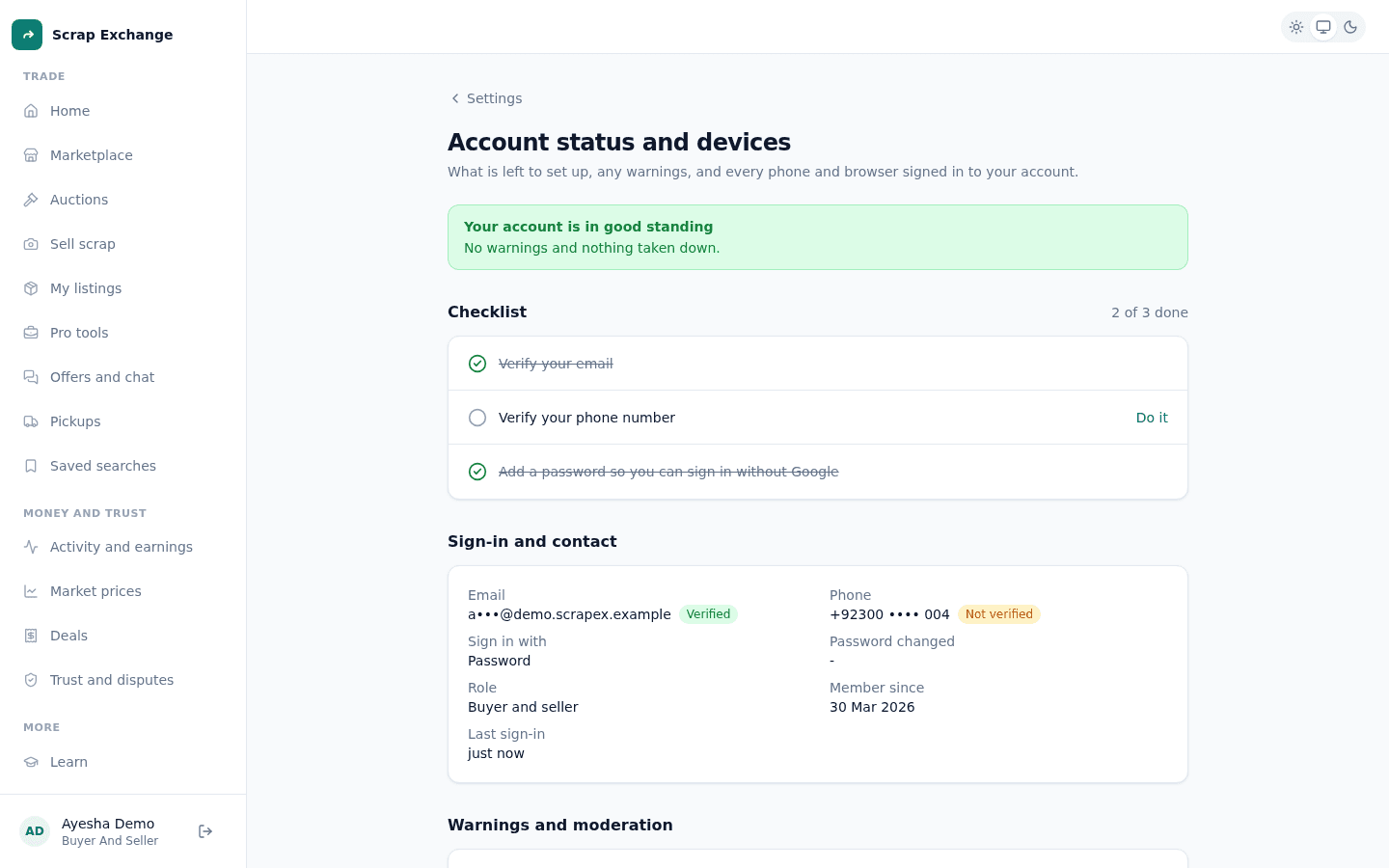
Your account standing shows whether moderators have taken action on your account: warnings, listings taken down, or a suspension. Most people never see anything here but "good standing".
Works in:Android appWeb app
Check your standing
- Web app: open Settings, then Account status and devices.
- Android app: open Account, then Account status.
At the top you see one of:
| Status | What it means |
|---|---|
| Your account is in good standing | No warnings and nothing taken down. |
| Please follow the community rules | A moderator has warned this account. The details are under Warnings and moderation. |
| Account suspended | A moderator suspended the account. It can't be used until an admin reinstates it. |
Warnings
A moderator can warn you if something you posted broke the rules. You get a notification with the reason. Your account keeps working. The warning is listed under Warnings and moderation.
Listings taken down
If a moderator takes one of your listings down, it moves to Closed in My listings, marked Removed by moderators, with the reason. You can't put it back up yourself. Your account status shows how many listings were taken down.
Suspension
A suspension disables the account at once, on every device. You are signed out everywhere, and the sign-in screen shows that the account is suspended, with the reason. Only an admin can suspend an account or reinstate it.
Staying in good standing
- List real scrap with honest photos, weights and conditions.
- Keep deals and conversations in the app.
- Be polite in chats and in the Learn hub.
- Follow the safety guidelines.