Create an account
Sign up on the web or in the app, choose whether you buy, sell or do both, and add an invite code.
One account works everywhere: in the Android app and in the web app. You can sign up in either one.
Choose how you will use Scrap Exchange
When you sign up you pick a role. You can change it later in your profile.
| Role | What you can do |
|---|---|
| Buy scrap (buyer) | Browse the marketplace, make offers, bid in auctions, save searches and collect scrap at pickups. |
| Sell scrap (seller) | Scan and list scrap, answer offers, run auctions, use the Pro tools and get paid at pickups. You can also make offers on other people's listings. |
| Both | Everything above. |
Sign up in the Android app
The app starts with your phone number, so your number is verified from the start.
- Open the app and tap Create an account.
- Enter your phone number and tap Send code. We text you a 6-digit code.
- Enter the code and tap Verify and continue. The code works for 5 minutes. If it doesn't arrive, wait for the timer and tap Didn't get it? Resend.
- Fill in your full name, email address and a password. The app asks for at least 8 characters, with one uppercase letter and one number.
- Under I want to, choose Buy scrap, Sell scrap or Both.
- If a friend gave you an invite code, enter it under Invite code (optional).
- Tap Finish setup. You are signed in straight away.
Screenshot coming soon
We also email you a 6-digit code so you can confirm your email address. You can do that now or later: see Verify your email and phone.
Sign up on the web
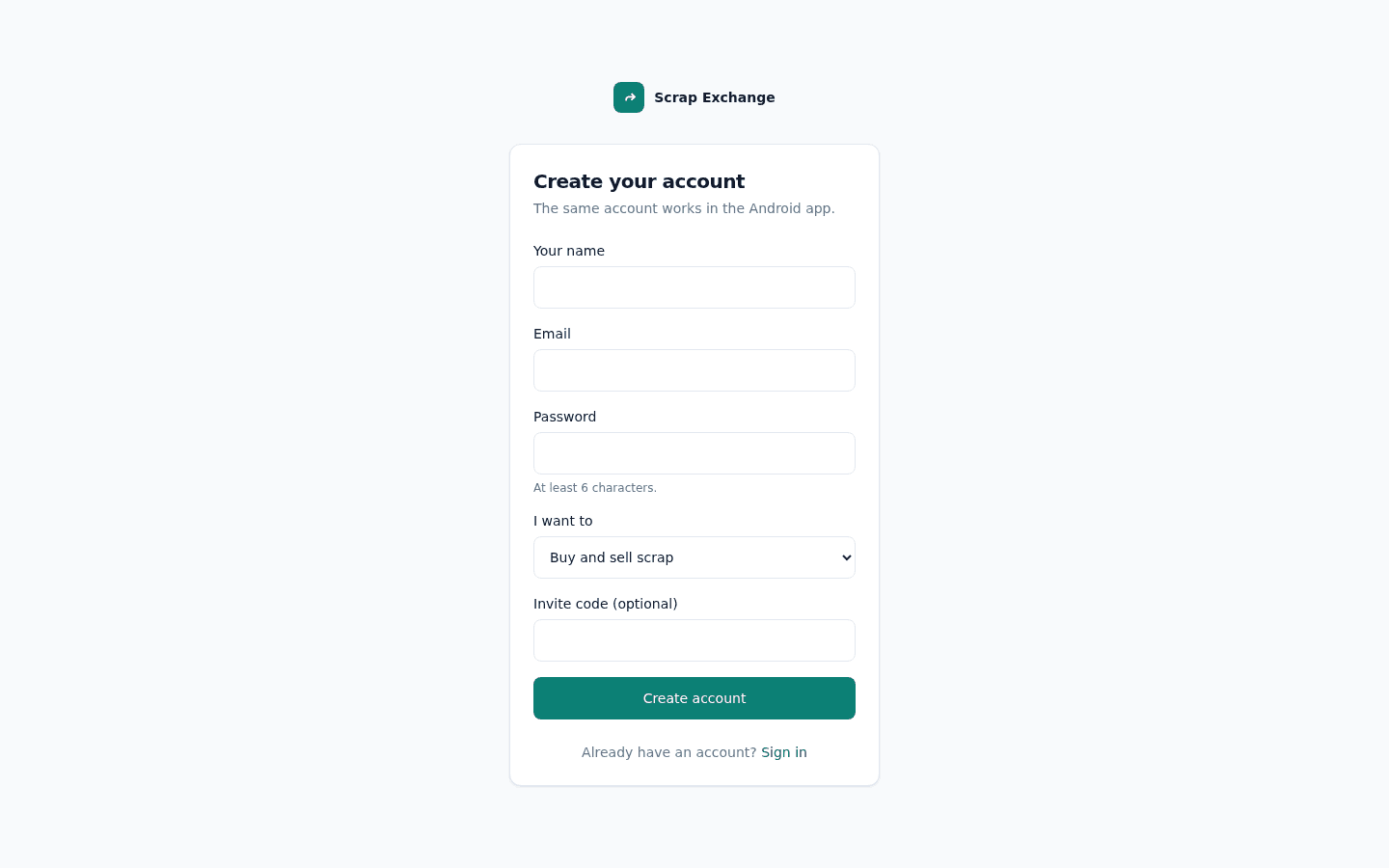
- Go to scrapex.ubaidbinwaris.com (opens in a new tab) and choose Create an account.
- Enter your name, email and a password of at least 6 characters.
- Under I want to, choose Buy and sell scrap, Sell scrap or Buy scrap.
- If you have one, enter an invite code.
- Select Create account.
- Open the email we send you and click the link in it. The link works for 5 minutes. If it expired, you can ask for a new one on the page the link opens.
- Sign in with your email and password.
Invite codes
An invite code is an 8-character code from a friend who already uses Scrap Exchange. It doesn't give you or your friend money. It helps your friend earn the Community builder badge once you complete your first deal. See Invite friends.
- A wrong code stops the sign-up with a message, so you can fix it or leave the box empty.
- Forgot to enter one? You can add it within 7 days of signing up: open Invite friends and use Were you invited?
If something goes wrong
- "An account with this email already exists": you already have an account. Sign in instead, or reset your password.
- "An account with this phone number already exists": the number is already used by another account. Sign in to that account.
- The verification email didn't arrive: check your spam folder, then ask for a new link. You can ask again after 30 seconds.