Verify your email and phone
Confirm your email address and phone number to sign in, reset your password and earn badges.
Verifying your email address and phone number proves they are yours. It lets you sign in, get sign-in codes, reset your password, and earn the Verified phone and Verified badges that buyers and sellers look for.
Why it matters
- To sign in, at least one of the two must be verified.
- Sign-in codes go to your phone by text message when your phone is verified, and to your email otherwise.
- You need a verified email to reset a forgotten password.
- Verified phone badge: your phone number is confirmed.
- Verified badge: both your email and your phone number are confirmed.
See Verification and badges for every badge.
Verify your email
If you signed up on the web, clicking the link in the welcome email verifies your email. If you signed up in the app with your phone, verify your email with a code:
In the web app
- Open Settings, then Security.
- Next to your email, select Send me a code.
- Enter the 6-digit code from the email. It works for 15 minutes.
In the Android app
- Open Account, then Account status.
- Tap Verify email.
- Enter the 6-digit code from the email. It works for 15 minutes.
Verify your phone number
If you signed up in the Android app, your phone is already verified. Otherwise:
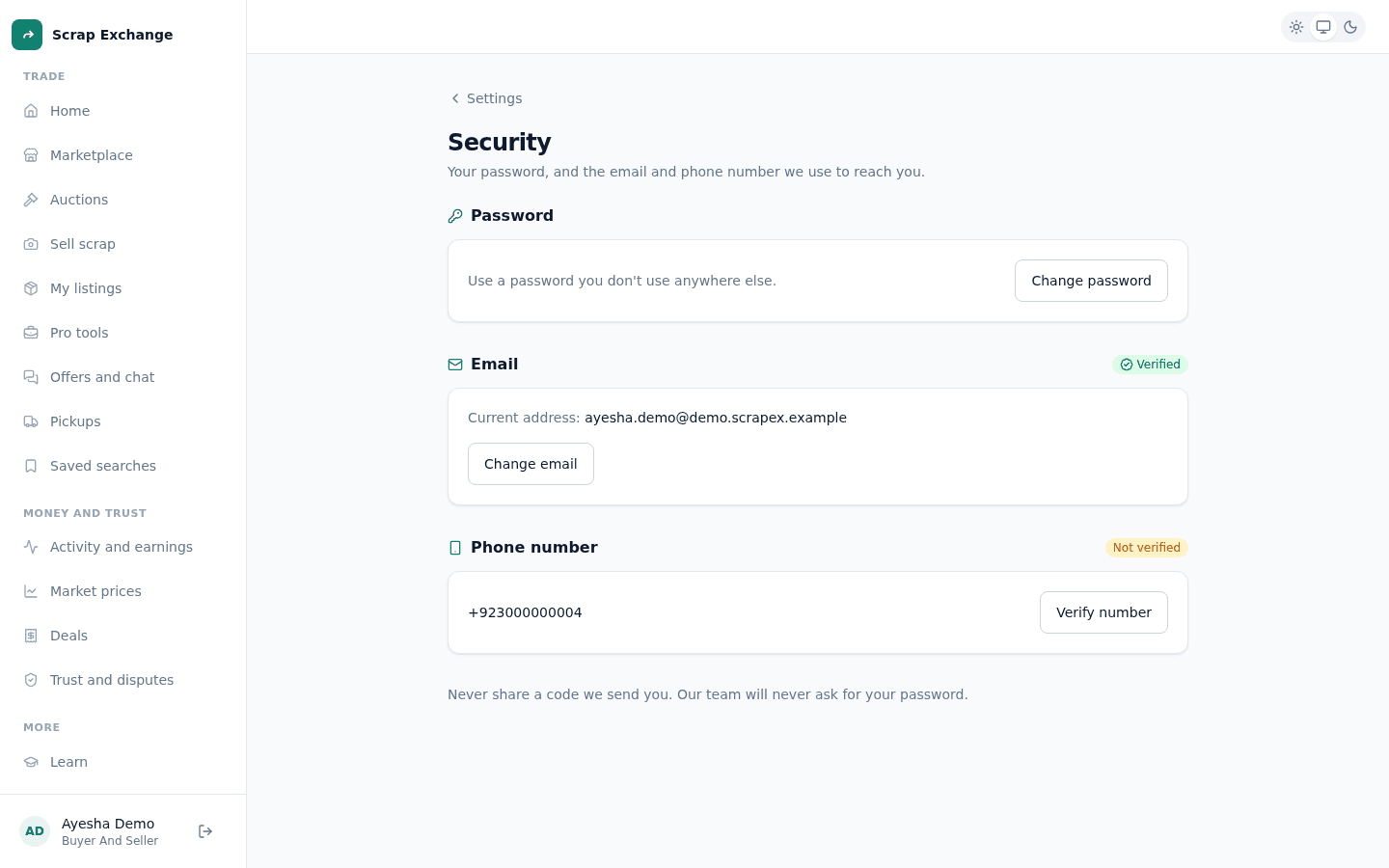
- In the web app, open Settings, then Security.
- Under Phone number, select Verify number (or Change number).
- Enter your mobile number, for example 03001234567 or +92 300 1234567.
- Enter the 6-digit code we send you by SMS, then select Verify number.
The code works for 5 minutes. After 5 wrong tries, ask for a new code.