Sign in to the admin portal
Staff sign-in with a password and an emailed code or an authenticator app, and session limits.
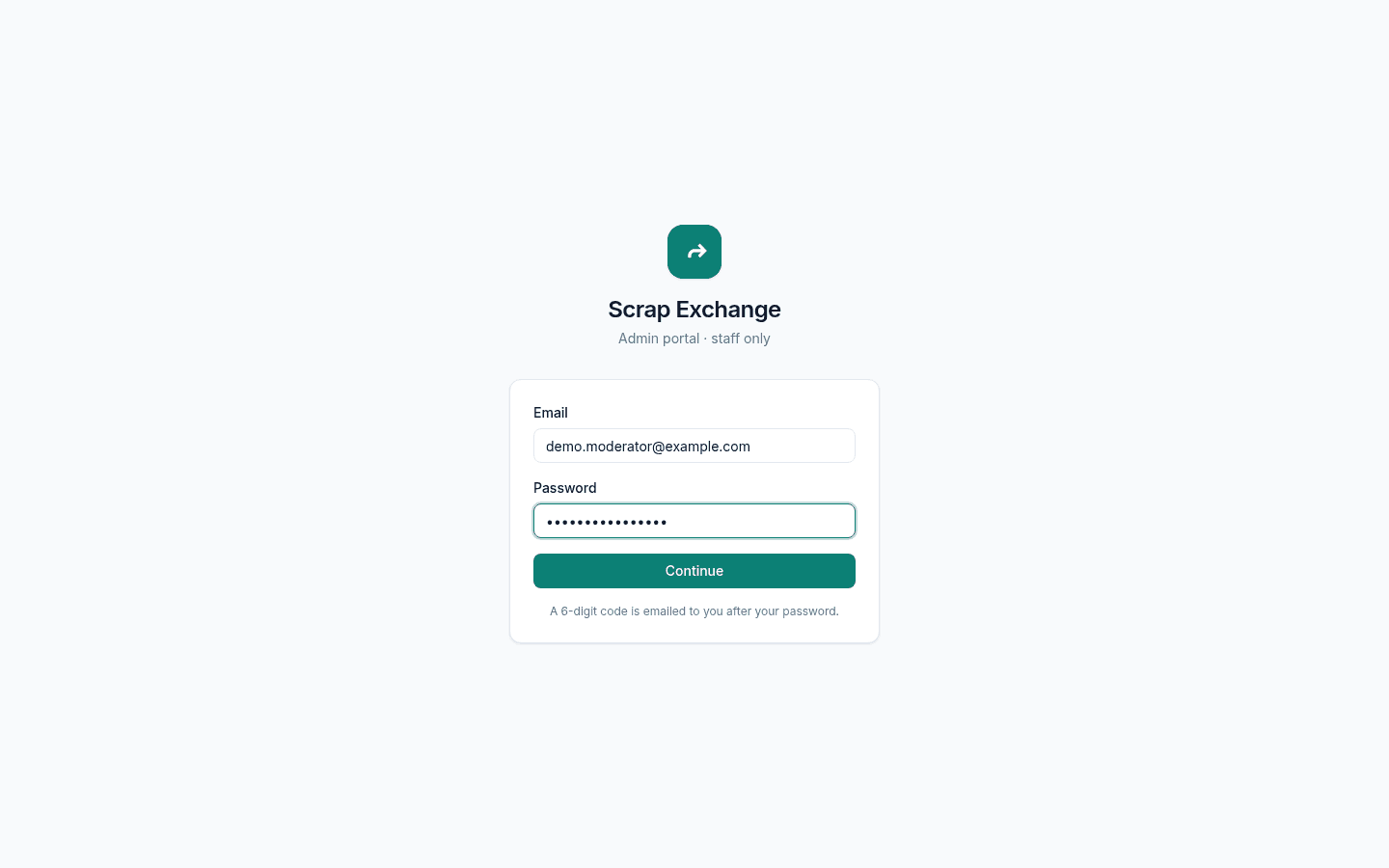
The admin portal is the website where moderators and admins look after the marketplace. Only staff accounts can sign in, always with two steps: your password, then a code.
Sign in
- Go to admin.scrapex.ubaidbinwaris.com (opens in a new tab).
- Enter your staff email and password, then select Continue.
- Enter the second step:
- Emailed code: a 6-digit code is emailed to you. It works for 10 minutes.
- Authenticator app, if you turned it on: enter the 6-digit code from the app, or one of your backup codes.
- Select Sign in.
After 5 wrong codes, the code is thrown away and you start again. Repeated wrong passwords lock the account for a while.
Your first sign-in
An admin adds you as staff and gives you a temporary password, in person or by phone, never by email. After you sign in with it, you are asked to choose your own password. Staff passwords need at least 12 characters, with upper and lower case letters and a number.
Session limits
- You are signed out after 30 minutes without activity: "You were signed out after 30 minutes without activity".
- Every session ends after 7 days, however active it is.
- Staff need a fresh sign-in code every 12 hours.
The portal shows up in your devices list as Admin website. You can be signed in on several browsers.
Keep your account safe
- Turn on an authenticator app and keep your backup codes somewhere safe. See Staff account security.
- Never share a code. Nobody will ever ask for it.
- Every decision you make is written to the audit log with your name.