Install an older version
Download an earlier build from the download site if a new version gives you trouble.
If a new version gives you trouble, you can install an earlier one from the download site. Every earlier build is there with its release notes and SHA-256 fingerprint.
Works in:Android app
Before you start
- Android doesn't install an older version over a newer one. You have to uninstall the app first. Uninstalling signs you out and removes the settings stored only on the phone (such as the app theme and Get beta versions). Your account, listings, offers and deals are safe: they are kept on our side.
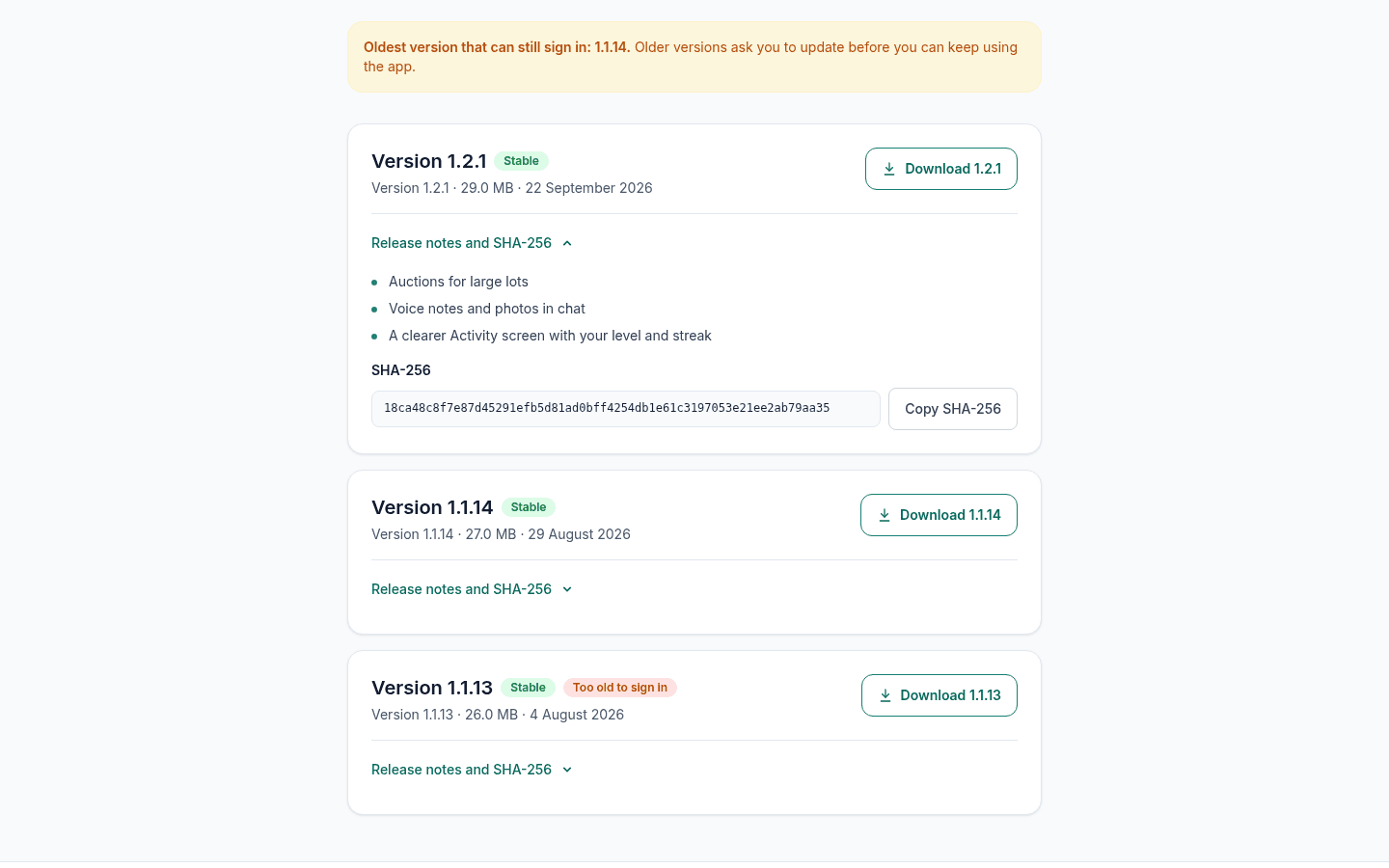
- Versions that are too old to use are marked Too old to sign in. Don't install those: they can't sign in. See Required updates.
Install an older version
- On your phone, open downloads.scrapex.ubaidbinwaris.com (opens in a new tab).
- Select Download an older version.
- Find the version you want and read its notes.
- Download it. Optional: check its SHA-256 fingerprint (see Install the Android app).
- Uninstall Scrap Exchange from your phone.
- Open the downloaded file and tap Install.
- Open the app and sign in. You need a sign-in code, because the phone is new to us after the reinstall.
Afterwards
The app will offer the newest version again. Tap Later to skip that version until the next one comes out. Please tell us what went wrong with the newer version using Send feedback, so we can fix it.
Withdrawn versions
If we find a serious problem in a build, we withdraw it. Withdrawn builds are no longer listed and can't be downloaded.